Hotkeys and commands
| Key or command | What it opens |
|---|---|
| Ctrl+D | Dissolve manager — dissolve junk from your inventory or bank |
| Ctrl+U | Upgrade tab |
| Ctrl+C | Collection log |
| Ctrl+B | Bank |
| Ctrl+Z | Zone requirements |
::bis | All best-in-slot armour and weapons |
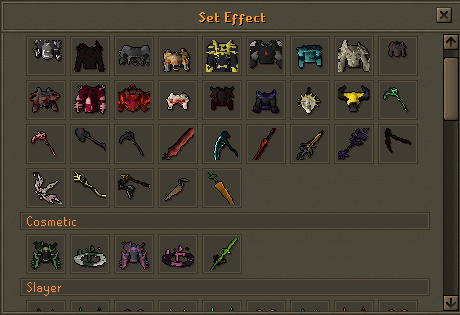
::seteffects | All set effects |
::filter | Customise game settings |
Upgrading (Ctrl+U)
Items highlighted green are kept if the upgrade fails; everything else is lost.
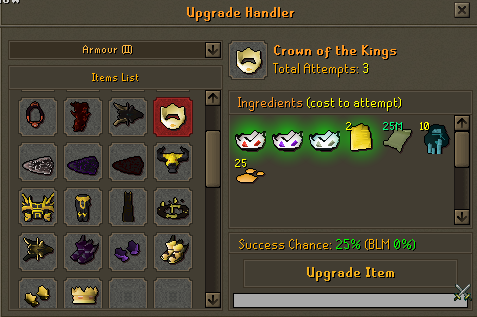
| Bad Luck Mitigation (BLM) | What happens |
|---|---|
| On failure | +2% added to that recipe's success rate, permanently, for your account |
| On success | The BLM bonus for that recipe resets to 0% |
| Example | A 35% recipe that fails 10 times becomes 55% on the 11th attempt |
Generally, only the final listed item in a recipe is consumed on failure — other materials are safe unless the recipe says otherwise. Always check before attempting.
Collection log
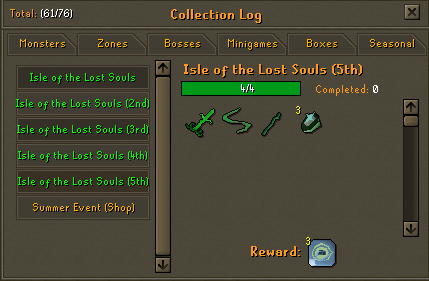
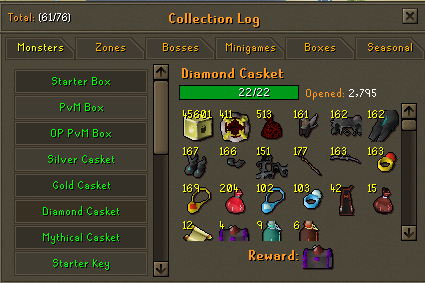
Ctrl+C opens your collection log. Completing one gives rewards — see Collection Logs for how they work.
Keepsake keys
Keepsake keys turn equipment into cosmetics. There are two types: one keeps a share of the item's stats plus its passive effect (if it has one), the other is visuals only. A stats-keeping keepsake gives 10% of the base item's stats plus its passive effect.

The Prophet set is recommended for keepsaking, but the damage bonus it gives depends on which season's set you're wearing — there isn't one fixed multiplier. Check Character Power for the current number, and ::seteffects to see what's active.
Prophet gear
Reach Season Pass level 50 and unlock both the Gold and Platinum pass, then go to Minigames → Isle of the Lost Souls. Kill mobs there for Prophet Souls, which you spend on Prophet pieces. Each season has its own Prophet set and its own soul cost — check in-game for the current season's numbers rather than assuming last season's.
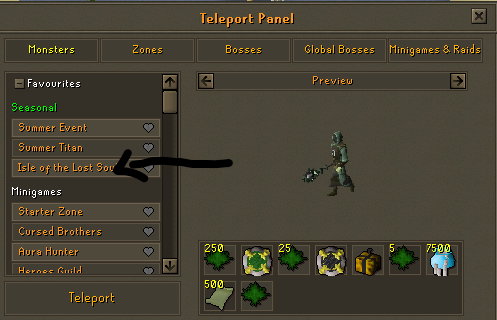
Completing the associated collection log gives further rewards.